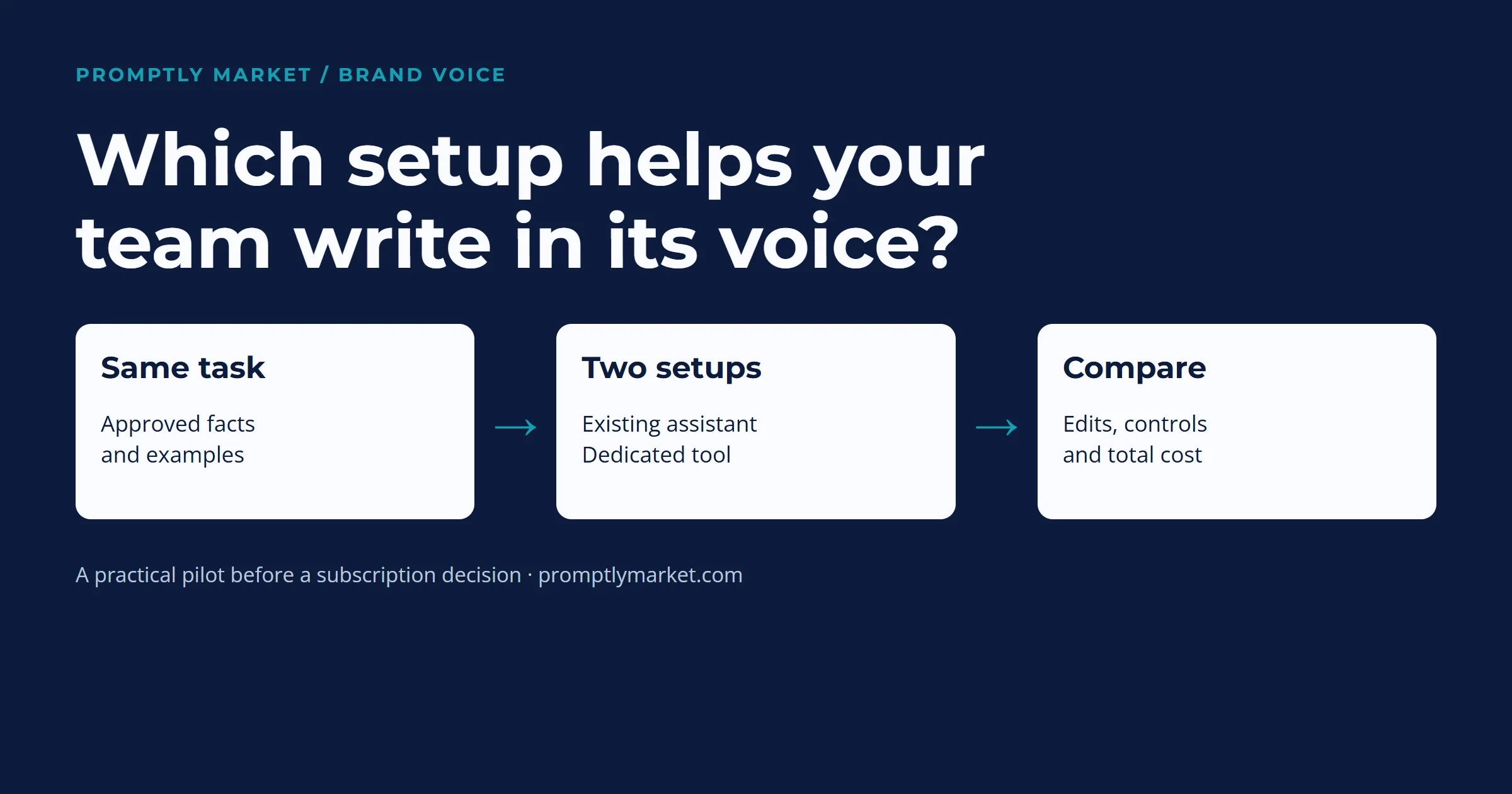
A brand voice AI tool helps draft or review writing against a company’s preferred tone, examples and language rules. Consider a dedicated product when your current setup repeatedly misses those rules or makes shared review difficult. Start by testing the same real writing tasks in each setup.
A small team can begin with approved examples and reusable instructions in an assistant it already has permission to use. A dedicated platform may add shared terminology, administration and checks inside the writing workflow. Those capabilities need their own evaluation.
What can a brand voice AI tool do?
Products combine capabilities in different ways. These are useful questions to ask while comparing them, rather than three exclusive product categories.
Draft with a voice
Does it use your approved examples, audience and instructions when producing new text?
Check: compare a draft with the voice applied against the same task without it.
Check language
Can it flag preferred terms, spelling conventions and specific style rules in existing copy?
Check: put a known terminology error in a sample and inspect the correction.
Share controls
Can the people responsible for the voice maintain settings and make them available where writers work?
Check: confirm permissions, defaults and the actual application of rules.
For example, Jasper’s Brand Voice documentation describes building a voice from supplied examples and previewing its effect. Its separate style-guide feature has plan restrictions. WRITER’s setup guide explains how voice profiles connect to style guides and terms. These are provider descriptions, not a hands-on ranking by Promptly Market. Features and access can change.
Giving an assistant examples or reference files configures the context it receives; it does not by itself establish that you have trained a new model. Check the provider’s description of the specific feature. A useful starting point is our Brand Voice OS reference and review workflow.
Make the voice visible in one real situation
Fictional example: a homeware shop must tell a customer that dispatch is delayed. Its approved rule is to acknowledge the problem, give only a confirmed update and offer a clear contact route.
Draft to revise
“Exciting news! Your order is taking a little extra time while we make everything perfect.”
Review: celebration clashes with the customer’s problem, and the reason is unsupported.
Closer to the rule
“We’re sorry your order has been delayed. We don’t have a confirmed dispatch date yet. Contact our support team if you’d like help with your order.”
Before use: confirm the delay, contact route and any remedy the business can actually offer.
Kate Moran’s tone-of-voice framework offers dimensions for discussing the difference, such as formality and enthusiasm. Microsoft’s style guide illustrates adapting tone to the customer’s situation. Neither source establishes how any AI product will perform on your copy.
How to decide whether to pay for a dedicated tool
Use a small pilot with work your team actually produces. The following is an editorial evaluation method, not a validated industry benchmark.
- Choose representative tasks. Include a routine message, a promotional piece and a sensitive reply if those belong in your workflow. Use permitted or anonymised material.
- Give each setup the same reference. Use approved examples, required facts, preferred terms and tone rules. Confirm the settings are active.
- Review against the same checklist. Record factual errors, missed rules and meaningful edits. Check context and audience, not just whether the prose sounds polished.
- Record the operating cost. Include setup, review and correction time as well as subscription cost. Test shared controls if those are the reason for buying.
- Decide against your own acceptance criteria. Keep the simpler setup if it meets the need. Consider a dedicated product if its verified capabilities address a recurring problem at an acceptable cost.
Writer count alone does not establish the right buying point. Multilingual work needs language-specific examples and competent review; a source-language voice guide cannot establish quality in every language. Sensitive customer, employment or legal messages need an accountable reviewer under your organisation’s policy.
Frequently asked questions
Is a brand voice tool the same as a grammar checker? The functions can overlap. Grammar checks address language correctness; brand settings may add preferred terms, tone guidance and shared rules. Inspect the particular product and configuration.
Can an existing AI assistant help without a separate brand tool? It can be worth testing with approved examples and reusable instructions. That test does not establish equivalent administration, checking features or output quality across products. Use features available in your account.
Do I need a finished written guide before testing? Some products can infer a proposed voice from samples. A person should check that proposal and approve usable rules and examples before relying on it across the team.
What should I do first? Choose one real writing task, gather permitted examples and required facts, and write down what an acceptable result must do. Then compare drafts and the edits they need.
Put the decision into practice
Start with the Brand Voice OS to capture examples and review rules. Save reusable instructions with the prompt library system, or browse the resource library for the related worksheets.
Provider documentation checked29October2026. Product examples describe documented capabilities; no paid-product test or comparative performance result is claimed.