Short answer: an AI content calendar works when AI drafts the volume and a human owns the two decisions AI cannot make: what the calendar should say this month, and what gets published. Build the calendar around pillars and a repurposing map first, let AI fill the cells, and put one strategic checkpoint before anything goes live. Skip the checkpoint and you get a calendar full of content with no strategy behind it.
Generative AI use in marketing has gone mainstream fast. The large majority of marketers now use AI in at least one workflow, and content teams lead adoption at close to universal. The problem showing up now is not “can AI write the post.” It is “who is deciding what fifty AI-assisted posts a month should actually say,” and most calendars have no answer to that question, they just have more cells filled in faster.
Why AI content calendars quietly fall apart
The typical failure mode looks productive from the outside. A team plugs AI into the content calendar, output triples, and three months later nobody can explain why any given post exists. Topics repeat. Voice drifts. Nobody remembers which idea was supposed to support which campaign. This happens because AI is excellent at filling a calendar and has no opinion about whether the calendar is pointed at the right target. Give it a blank grid and a vague brief, and it will happily produce 30 competent, disconnected posts.
What it costs you if the calendar has no strategy behind it
Volume without a system produces two compounding costs. First, content operations research shows teams running AI without workflow infrastructure see much smaller returns than teams that pair AI generation with a real process, meaning the wasted spend is not hypothetical, it shows up directly in cost-per-asset and ROI numbers. Second, a calendar with no throughline gives search and AI answer engines nothing coherent to recognize your brand for; scattered, one-off posts do not build the topical authority that either Google rankings or AI citations reward over time.
What is an AI content calendar, really?
An AI content calendar is not just a spreadsheet AI helps you fill in faster. It is a repurposing system: a small number of core ideas selected on purpose each cycle, mapped once across every platform you publish to, with AI handling the format-by-format drafting and a human handling selection and approval. The calendar is the visible output. The repurposing map is the actual system underneath it.
How do you build one that actually holds up?
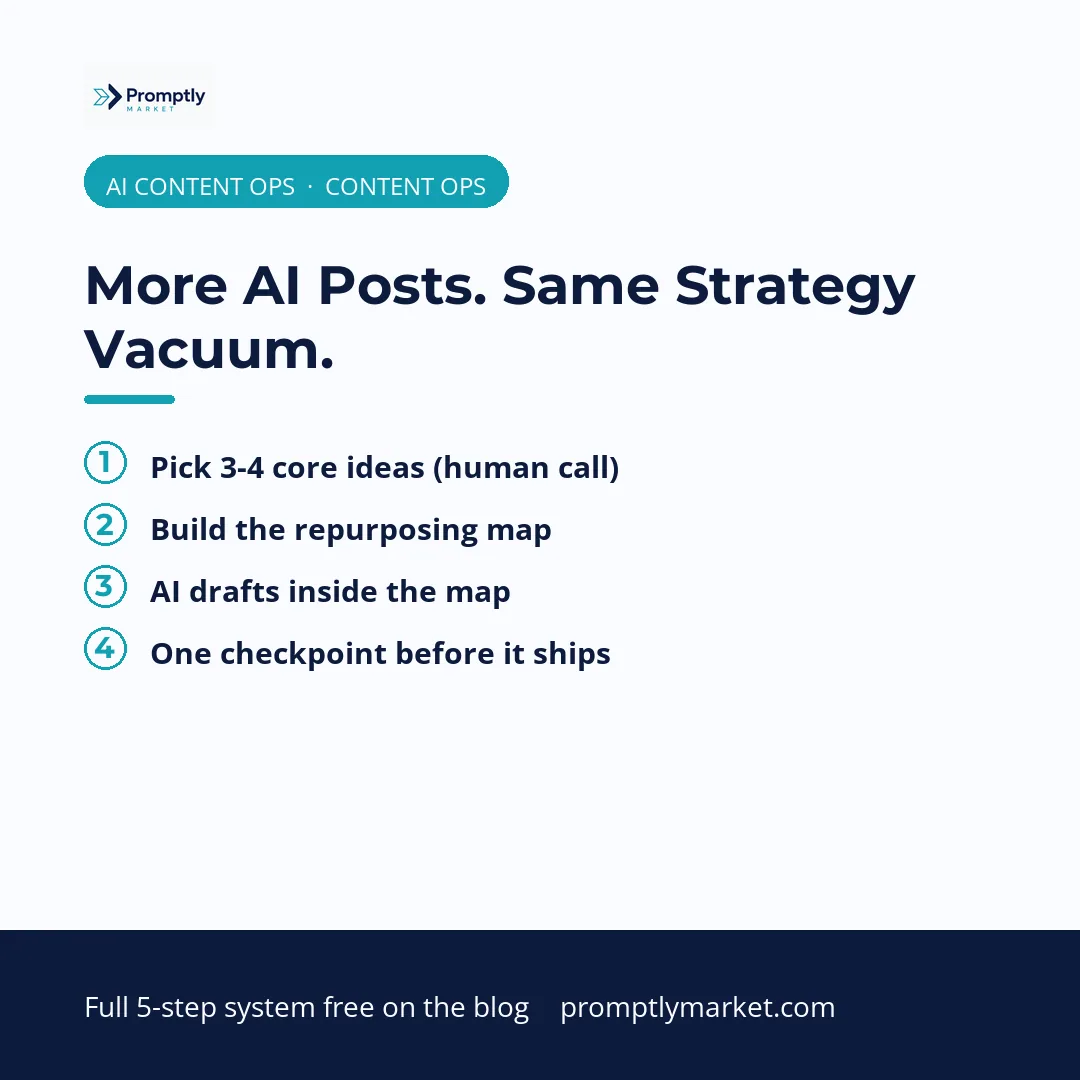
Step 1: Pick 3 to 4 core ideas, not 30 topics
Before anything touches AI, choose a small number of ideas that map to your actual content pillars for the cycle. This is the one step that cannot be automated, because it is the step where strategy lives. Everything downstream is repurposing, not new thinking.
Step 2: Build the repurposing map before you draft anything
For each core idea, write out where it goes: long-form article, LinkedIn post, X post or thread, short-form video script, social graphic. This map is what turns one idea into a week of content without four separate “from scratch” projects, and it is what keeps every platform version recognizably the same idea instead of drifting into unrelated content.
Step 3: Let AI draft inside the map, not outside it
This is where the adoption data gets interesting: AI-assisted first drafts have become the norm on high-performing teams, and teams running a real agentic workflow move through approval roughly two and a half times faster than teams routing everything manually. But that speed only compounds when AI is drafting inside a defined map. Undirected “write me some content” prompting is where quality and brand voice drift starts.
Step 4: One human checkpoint before anything ships
Every piece passes one strategic review before publishing, checking three things only: does this match the core idea, does it sound like the brand, is the CTA pointed at the right destination. This is deliberately a fast checkpoint, not a rewrite pass. Teams that keep AI content quality high are not slower because of this step, they are faster because they are not fixing brand-voice problems after the fact.
Step 5: Track outcomes, not output volume
A striking gap in current AI marketing adoption: the large majority of marketers use AI content tools daily, but only a small fraction track AI-specific performance KPIs. A content calendar is a means, not a metric. Track whether the ideas you shipped moved subscribers, site visits, or rankings, not how many cells got filled in.
How much time does this actually save?
Marketing teams running AI-assisted content workflows report recovering several hours per week on average, with senior strategists seeing the largest gains because AI removes drafting time, not thinking time. That distinction is the whole point of building the calendar around a repurposing map instead of a blank grid: the time AI saves has to go back into the one step it cannot do, which is deciding what is worth saying this month.
Frequently asked questions
What is an AI content calendar?
A content calendar where a small set of core ideas are selected by a human each cycle, mapped across every publishing platform, and drafted format-by-format with AI, with one human checkpoint before anything publishes.
Does AI replace the need for a content strategist?
No. AI replaces drafting time, not the decision of which ideas matter this cycle. Teams that skip the human selection step end up with high output and no strategic throughline.
How many core ideas should a content calendar have per cycle?
3 to 4 core ideas per week or cycle is enough to fill a full multi-platform calendar once each idea is mapped across formats, without diluting focus across too many unrelated topics.
What is a repurposing map?
A simple breakdown, built before drafting starts, of where one core idea will appear: for example, blog article, LinkedIn post, X post, short-form video, and social graphic, all built from the same underlying idea.
What should the human checkpoint actually check?
Three things: does the draft match the intended core idea, does it sound like the brand and not generic AI output, and does the call to action point to the right specific destination.
Get the templates behind these systems
The free starter kit has a template for each stage of the AI Content Engine, plus the audit to find your weakest link first. Everything else on the site is free to read, no email needed.